SwayWM: A Simple and Customizable Tiling Window Manager for Wayland Users
SwayWM is a lightweight tiling window manager built specifically for Wayland. If you're coming from i3 and want to continue using a similar workflow in a Wayland environment, Sway is your best bet. It's fully compatible with most i3 configurations and supports extensive customization.
Why Use SwayWM?
- Wayland-native tiling window manager
- i3-compatible configuration
- Minimal, fast, and secure
- Custom keybindings, workspaces, and more
How to Install
        # On Debian-based systems, use:
        sudo apt install sway
        # For Arch-based systems, use:
        sudo pacman -S sway
Basic Configuration
Sway uses the config file at ~/.config/sway/config. You
can start with the default and begin customizing!
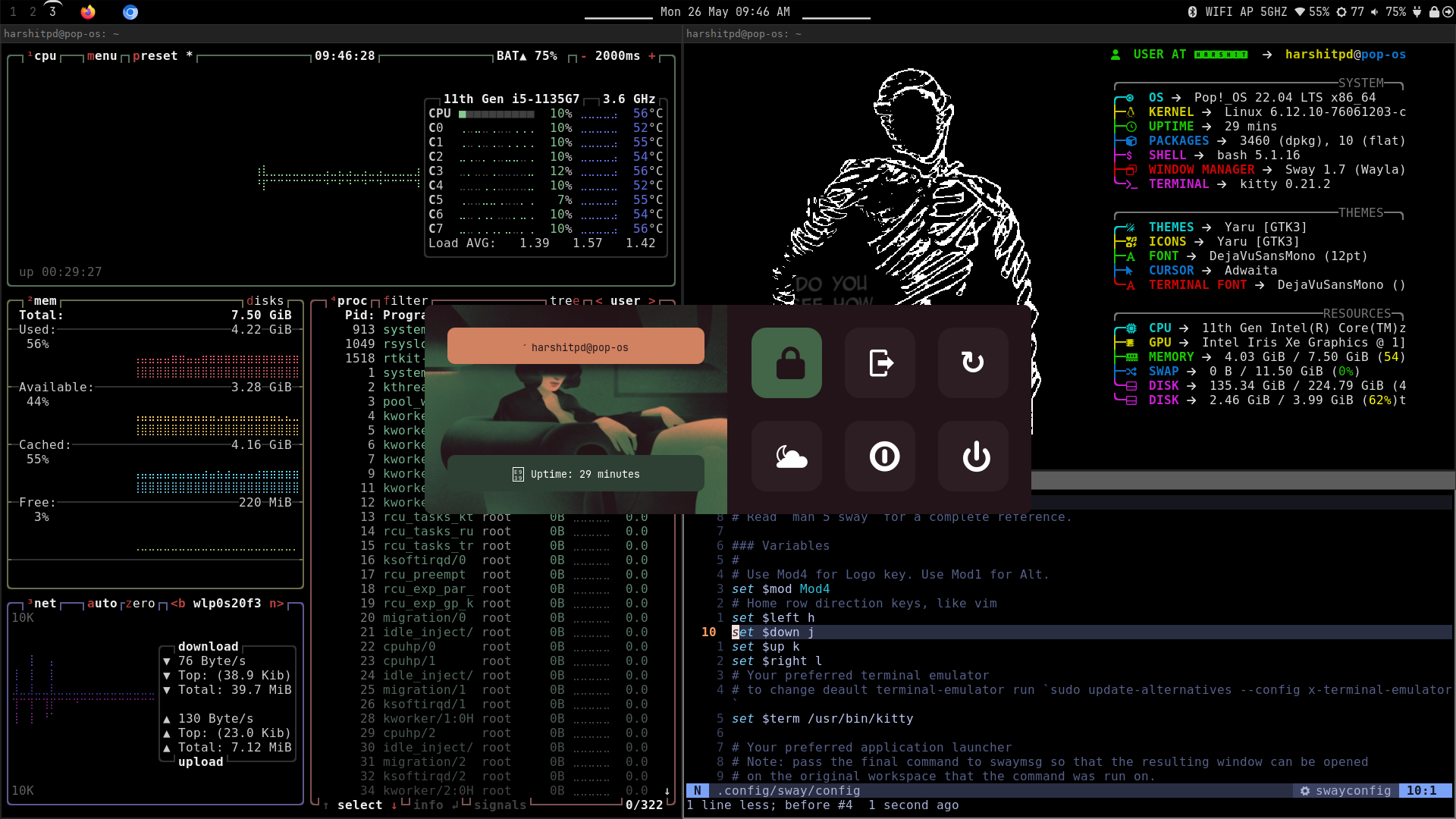
Tools in the following screenshot
waybar- status bar for Wayland-
rofi(with wofi for Wayland) - application launcher swaybg- wallpaper toolwl-clipboard- clipboard utilitiesfastfetch- fetch system information utility-
cava- real-time audio spectrum visualizer (i used it in waybar)
        # On Debian-based systems, use:
        sudo apt install waybar rofi wl-clipboard fastfetch cava
        # For Arch-based systems, use:
        sudo pacman -S waybar rofi wl-clipboard fastfetch cava
My SwayWM Config
My Experience Using SwayWM
I’ve been using SwayWM as my daily driver for over two years now, especially on my university laptop. Despite being a low-budget machine, Sway performs exceptionally well-everything feels smooth, snappy, and lightweight.
What I love most is the simplicity and full control it gives me over my workflow. Whether I’m writing code, taking notes, or managing multiple terminals, Sway handles it all without ever slowing me down.
Final Thoughts
SwayWM brings modern display server support with the minimalism and power of i3. If you're looking for a tiling window manager that works seamlessly with Wayland and offers full control over your workflow, give Sway a try!